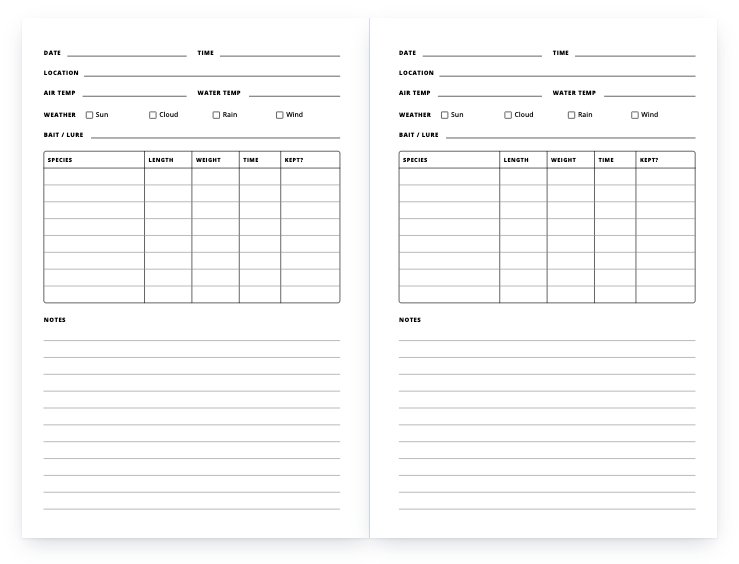
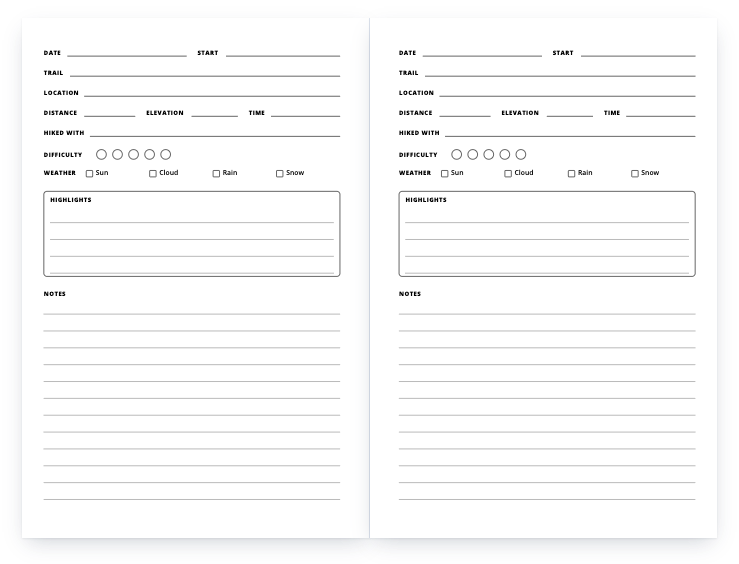
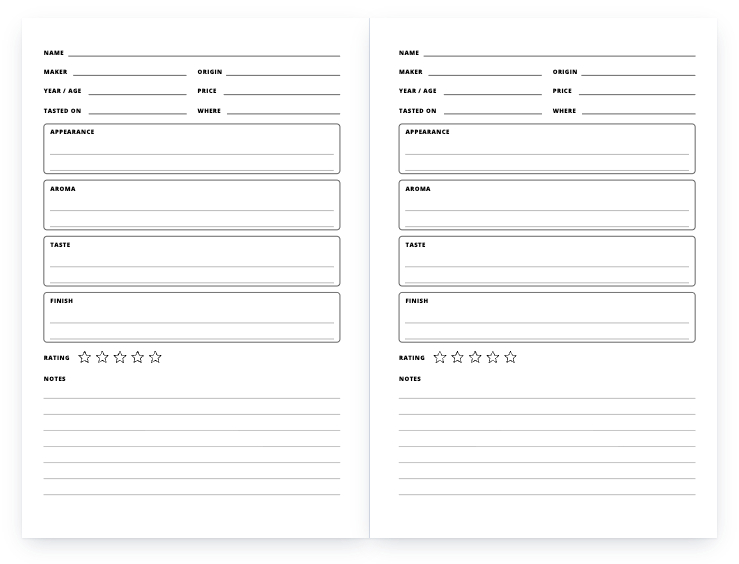
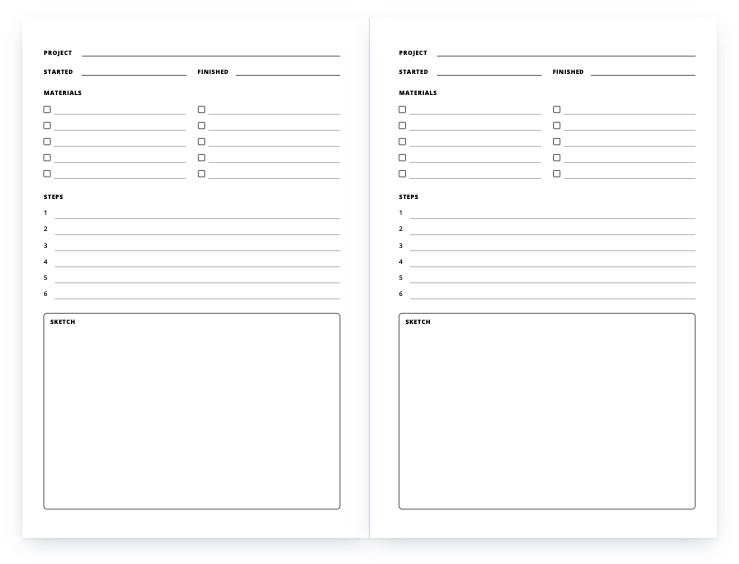
What you get
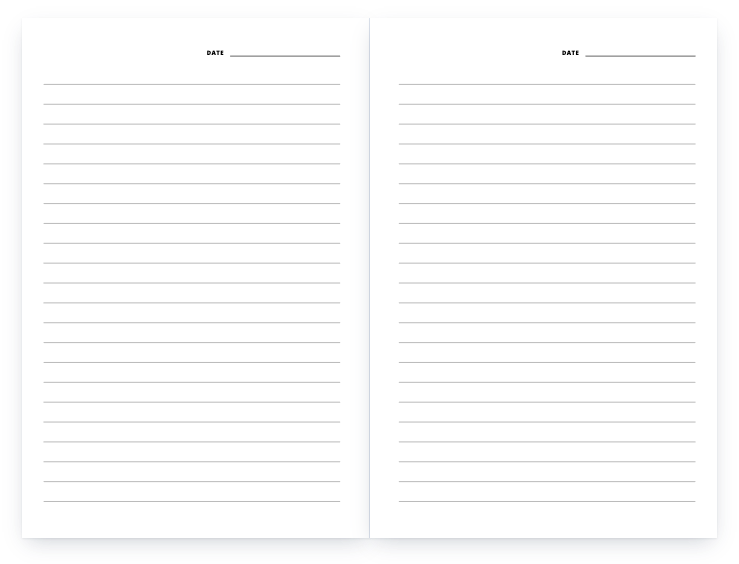
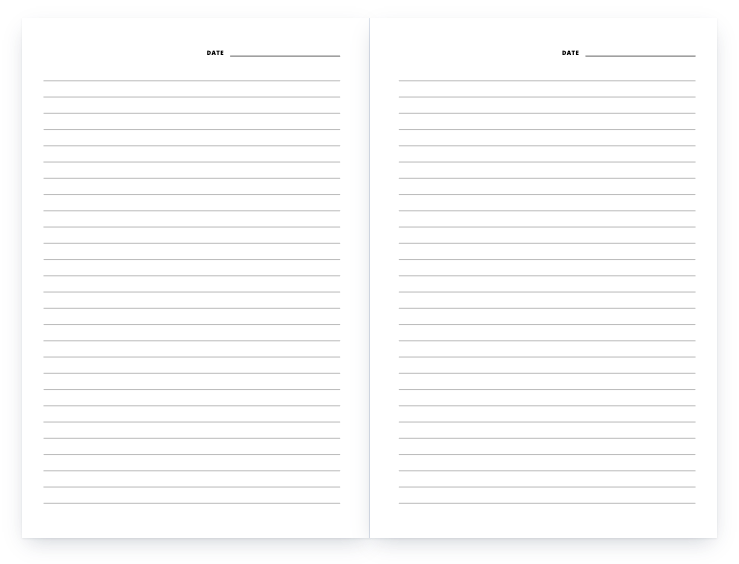
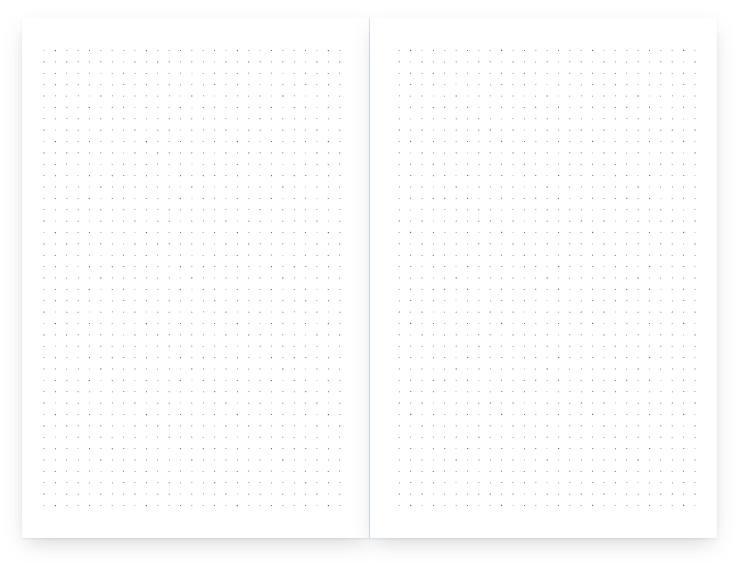
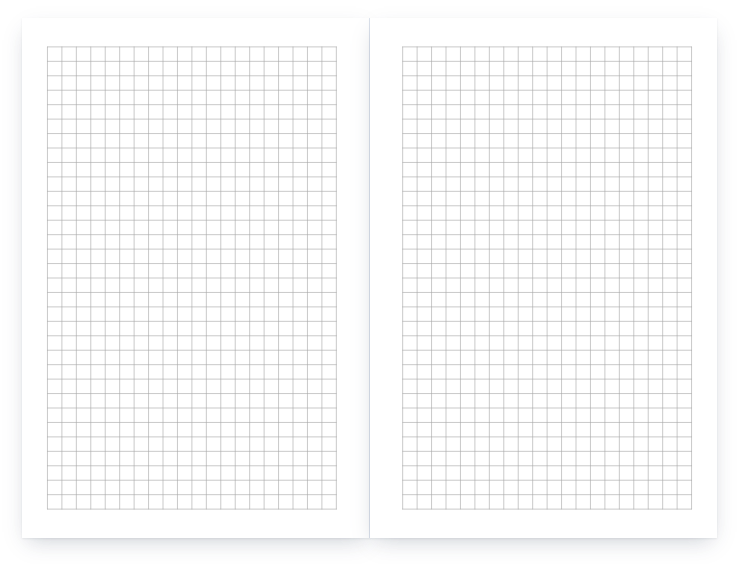
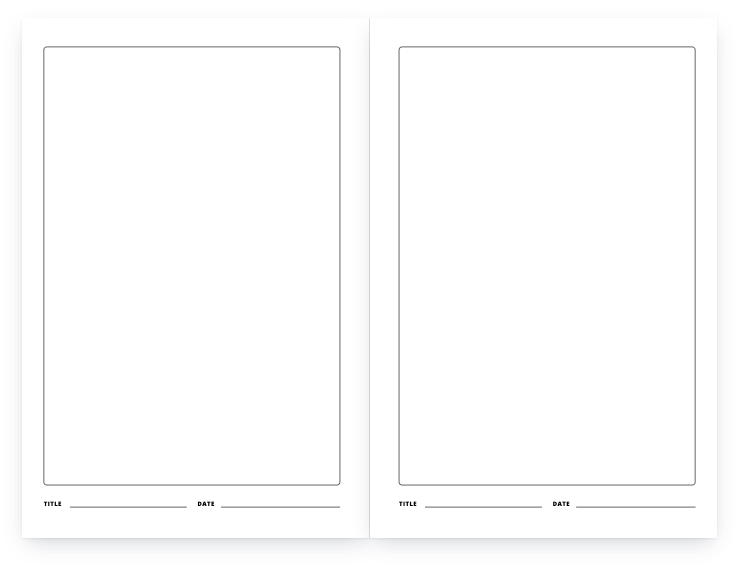
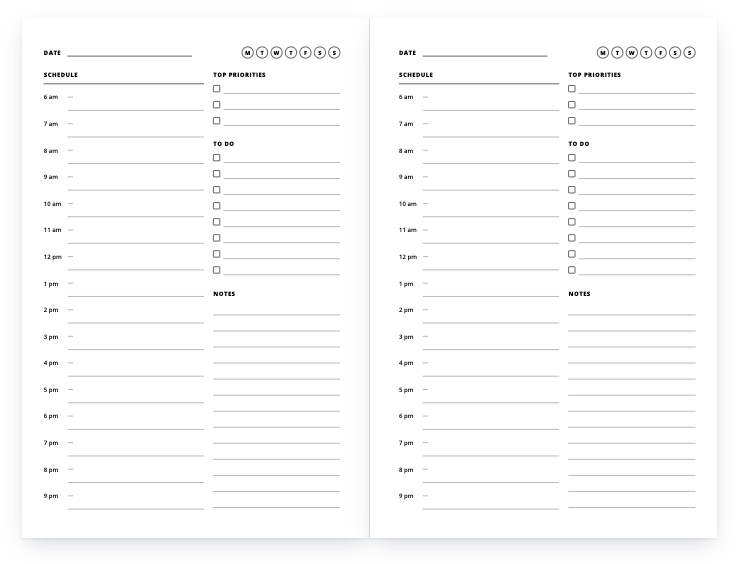
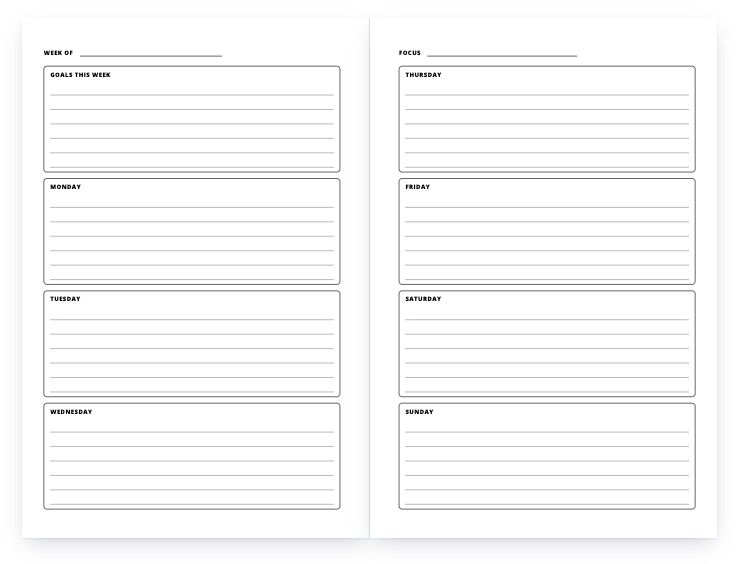
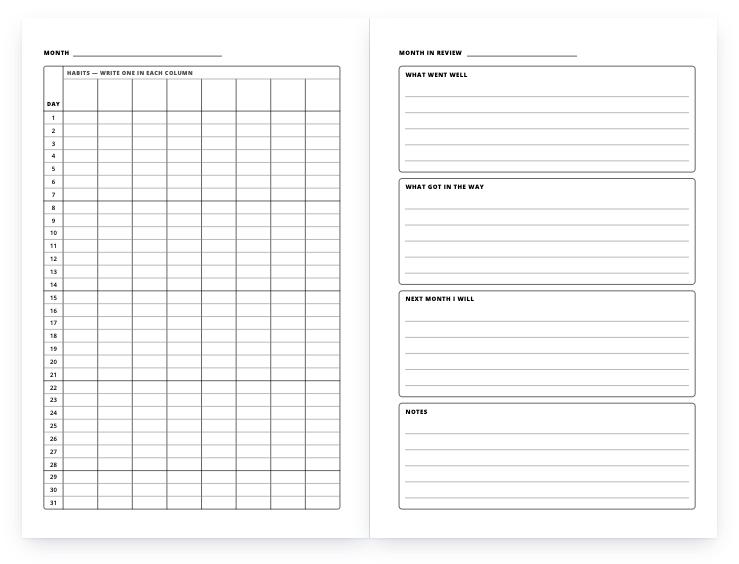
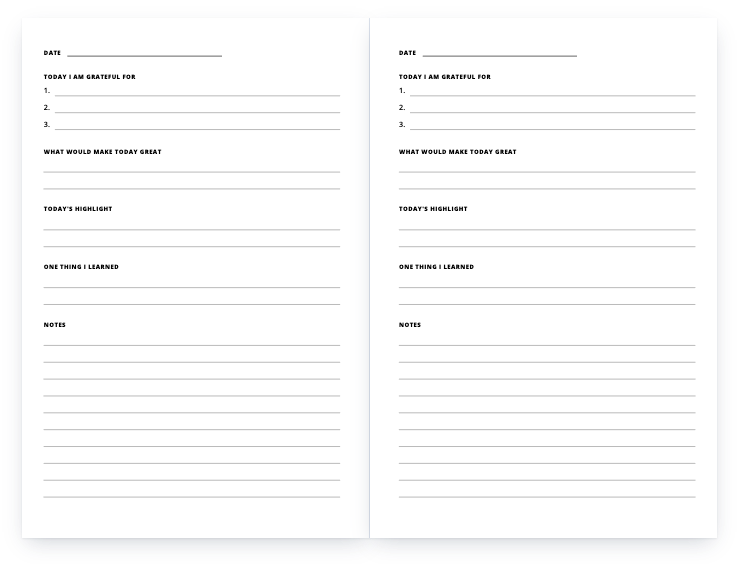
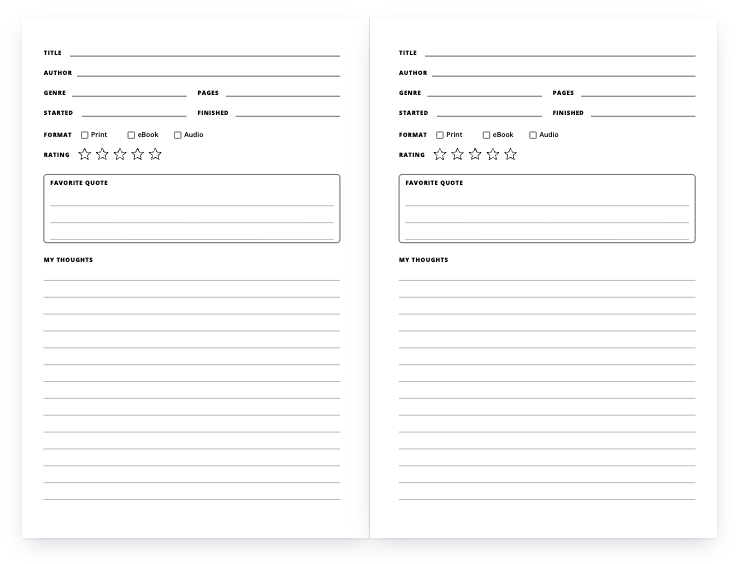
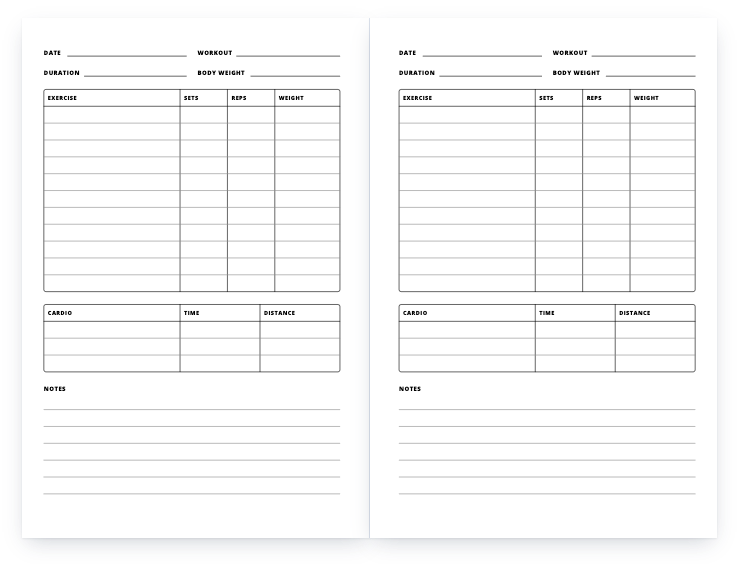
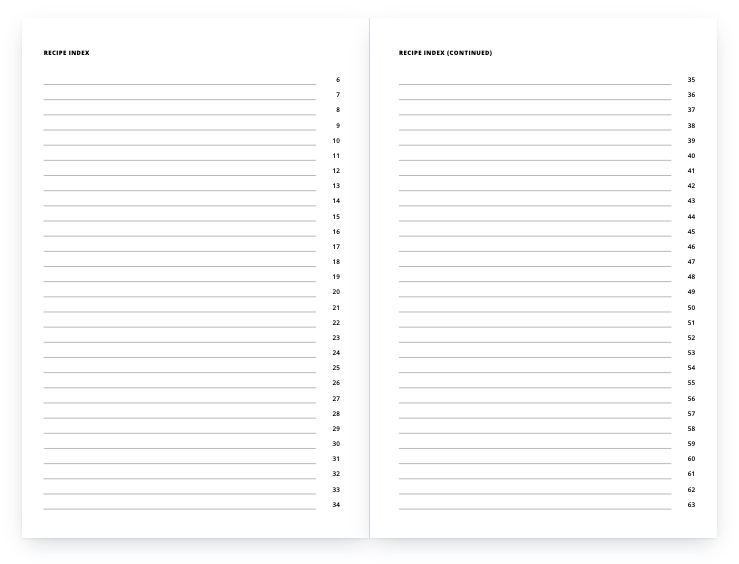
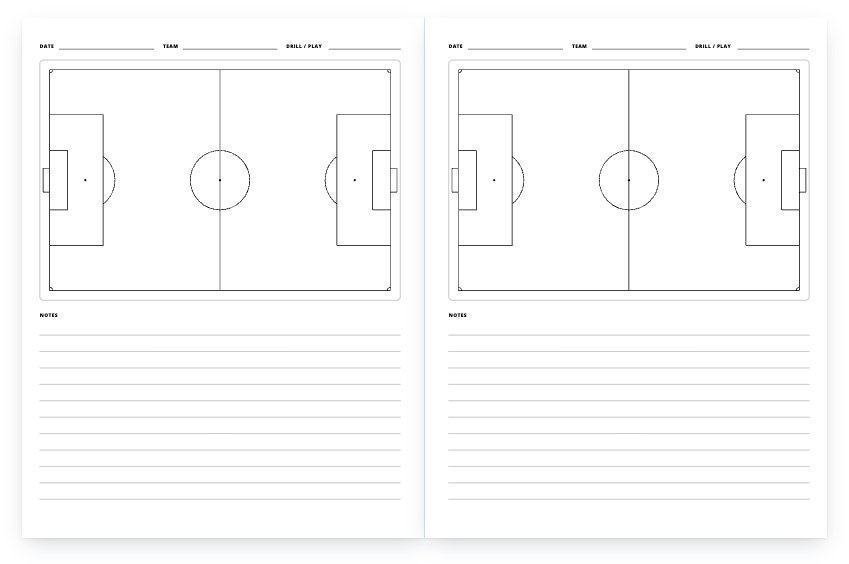
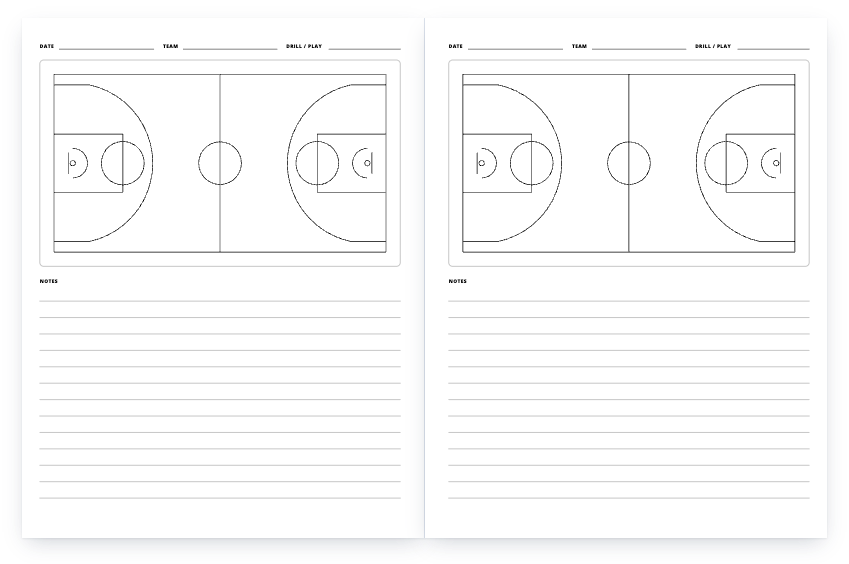
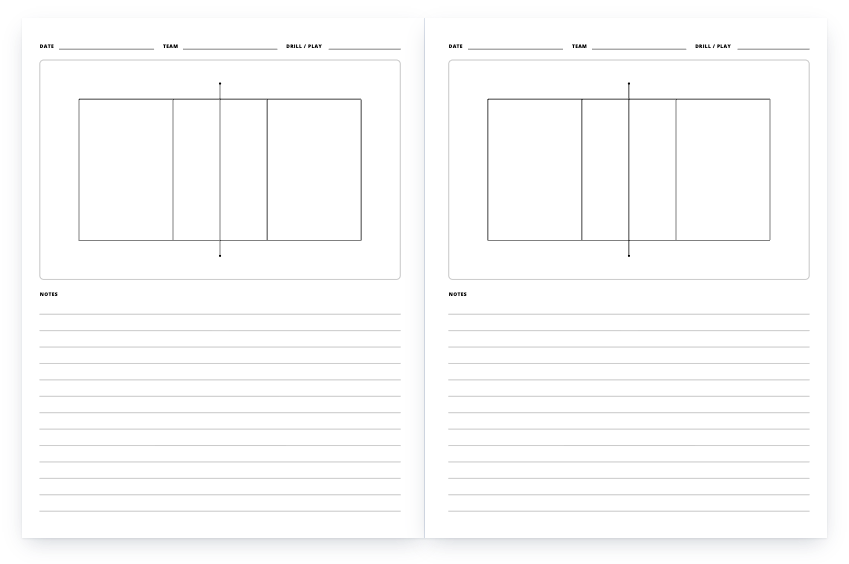
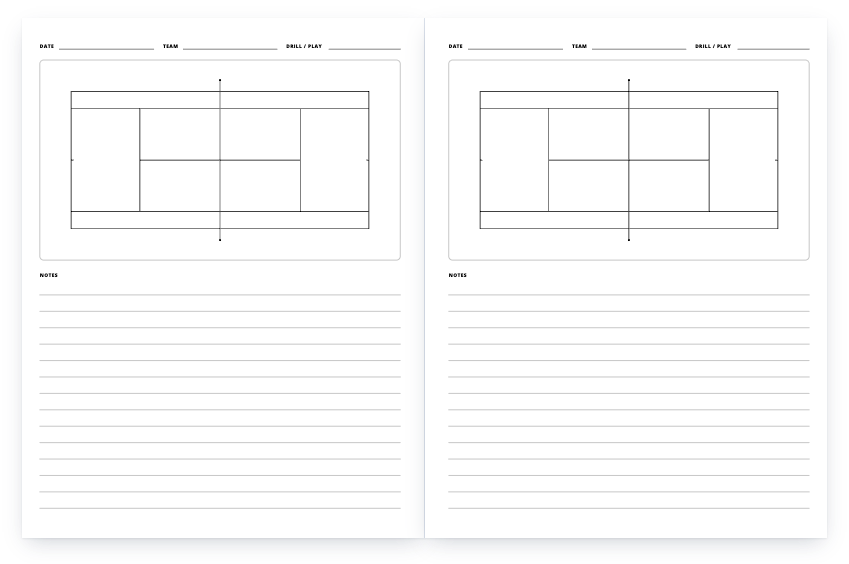
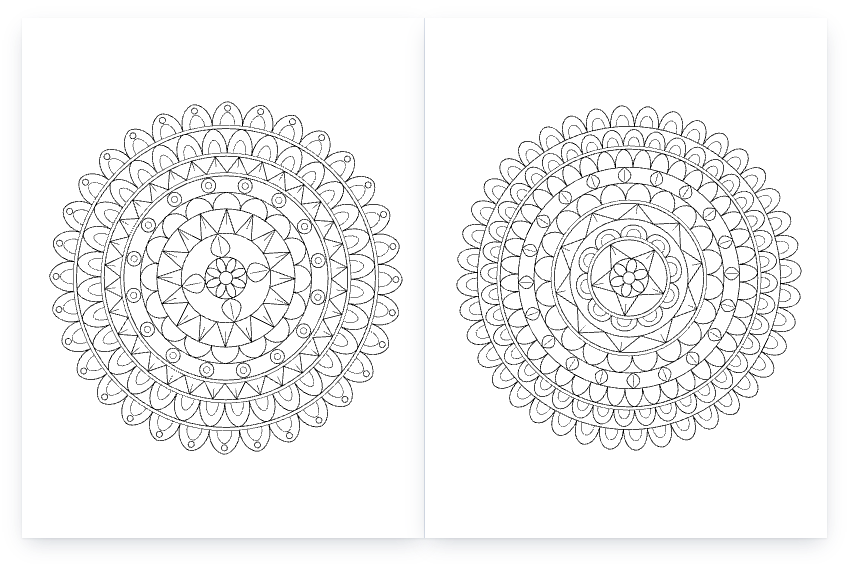
21 templates as 42 PDF files: lined, dot grid and graph notebooks, a sketchbook, daily and weekly planners, a habit tracker, journals and logs, four coach playbooks and a book of mandala coloring pages. The files open straight in the browser; there is no sign-up and no email to give.
What you may do with them
What you may do: use any template here as the interior of books you publish and sell — on Amazon KDP or anywhere else, for as many titles as you like, unchanged or edited. No attribution is needed, and nothing is owed to us.
What you may not do: sell or give away the template files themselves as templates (for example, as a template pack or a download on another site).
How to publish a template on KDP, in 5 steps
- Download the PDF in your trim size
Each file is a complete interior: the right page size, 120 pages (42 for the coloring book), margins already set. Nothing needs to be resized.
- Create a paperback on your KDP Bookshelf
For a notebook, planner, journal or log, tick Low-content under Categories on the details page — KDP rejects a low-content book without it. Coloring books are not low-content in KDP’s own list, so leave the box unticked for those.
- Set the print options
Black & white interior on white paper, the trim size of the file you downloaded, and No bleed. A low-content book can be published without an ISBN or with your own; it is not eligible for a free KDP ISBN.
- Upload the interior and a cover
Upload the PDF as the manuscript. The cover is yours to make: the cover calculator gives the full cover size and spine width for your trim and page count. KDP prints spine text only on books with more than 79 pages, so a 120-page book can carry it.
- Preview, order a proof, publish
Open Launch Previewer in the Book Preview section and fix anything it flags, order a printed proof if you want to hold it first, then set your price — the royalty calculator shows the printing cost and what you earn per copy.
KDP setup for every template
All files follow the same specification, taken from Amazon KDP’s help pages:
| Setting | These files | KDP’s rule |
|---|
| Page size | Exactly the trim size | No-bleed interiors are set up at the trim size |
| Inside (gutter) margin | 0.5" | At least 0.375" for 24–150 pages, 0.5" for 151–300 |
| Outside, top, bottom | 0.375", 0.5", 0.5" | At least 0.25" without bleed |
| Page count | 120 (coloring book: 42) | 5 × 8: 24–828; 6 × 9: 24–828; 8.5 × 11: 24–590 (black ink, white paper) |
| Lines | 0.75 pt and heavier | At least 0.75 pt |
| Text | 7 pt and larger, fonts embedded | At least 7 pt, all fonts embedded |
| Grey | 35–57% black, solid, no transparency | Grey fills at least 10% |
| First page | An owner page (“This notebook belongs to”) | No excessive blank pages |
Sources: Set Trim Size, Bleed, and Margins · Paperback Submission Guidelines · Low-Content Books · Upload and Preview Book Content (kdp.amazon.com, read October 2026).
Questions
Are these really free?
Yes. There is no sign-up, no email gate and no paid version. Every link on this page is the PDF itself.
Can I sell books made with them?
Yes — that is what they are for. You may publish and sell them as your own books, on KDP or elsewhere, without crediting us. The only thing you may not do is resell or redistribute the template files as templates.
Will KDP accept the files?
They are built to KDP’s published specifications: page size equal to the trim size (no bleed), an inside margin of 0.5" against KDP’s 0.375" minimum for 24–150 pages, other margins of at least 0.375" against a 0.25" minimum, lines no thinner than 0.75 pt, text no smaller than 7 pt and fonts embedded. KDP still reviews every book, so check the Print Previewer before you publish.
Can I change the page count?
Not inside the file — it is a finished PDF. Any PDF editor can delete or duplicate pages. If you go past 150 pages, KDP’s minimum inside margin rises to 0.5", which these files already use, so they stay valid up to 300 pages.
Can I edit the design?
Yes. The PDFs are vector, so they open in Affinity, Illustrator, Inkscape or any PDF editor. There are no separate source files.
Which trim size should I pick?
6" × 9" is KDP’s default trim and, by KDP’s account, the most common book size in the US; 8.5" × 11" gives planners, playbooks and coloring pages more room; 5" × 8" suits a notebook that goes in a bag. All three are standard KDP paperback sizes.
More free templates
A problem with a file, or a question? Get in touch, or request a template we have not made yet.