Skip to content
All free tools
  1. Home
  2. Templates
  3. Hobbies & crafts

Hobby KDP Interiors: Free Project Log and Sketchbook

Interiors for people who make things: a project log with materials and steps, a framed sketchbook, and the graph and dot paper charts and patterns are drawn on.

Made by BookBird · Free to use in your own books · Margins set to Amazon KDP’s rules

Craft & hobby project log: a two-page spread of the interior

Journals & logs

Craft & hobby project log

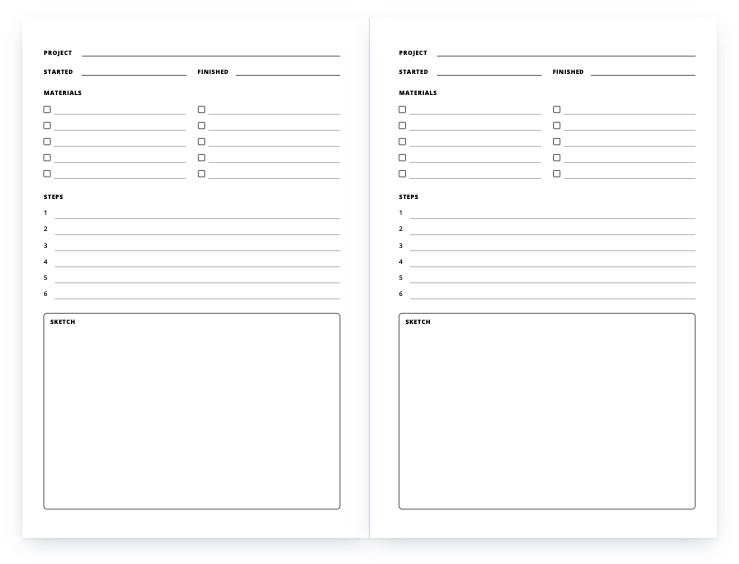
One project per page: materials checklist, numbered steps and a sketch box — sewing, knitting, pottery, woodwork.

Download free PDF

KDP setup
Trim
6" × 9", 8.5" × 11"
Pages
120
Interior
Black ink, white paper
Bleed
No bleed — page size equals trim size
Margins
Inside 0.5", outside 0.375", top 0.5", bottom 0.5"
Low-content
Yes — tick the Low-content box
Sketchbook: a two-page spread of the interior

Notebooks

Sketchbook

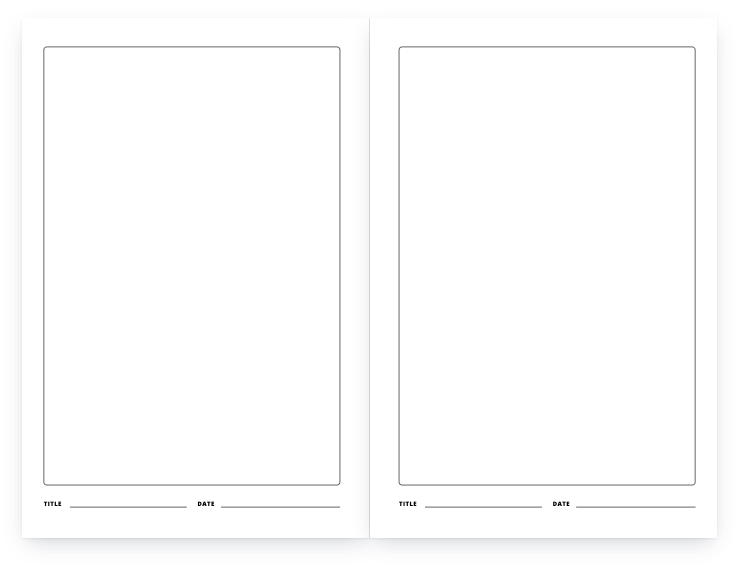
A framed drawing area on every page, with a title and date line under it.

Download free PDF

KDP setup
Trim
6" × 9", 8.5" × 11"
Pages
120
Interior
Black ink, white paper
Bleed
No bleed — page size equals trim size
Margins
Inside 0.5", outside 0.375", top 0.5", bottom 0.5"
Low-content
Yes — tick the Low-content box
Graph paper notebook: a two-page spread of the interior

Notebooks

Graph paper notebook

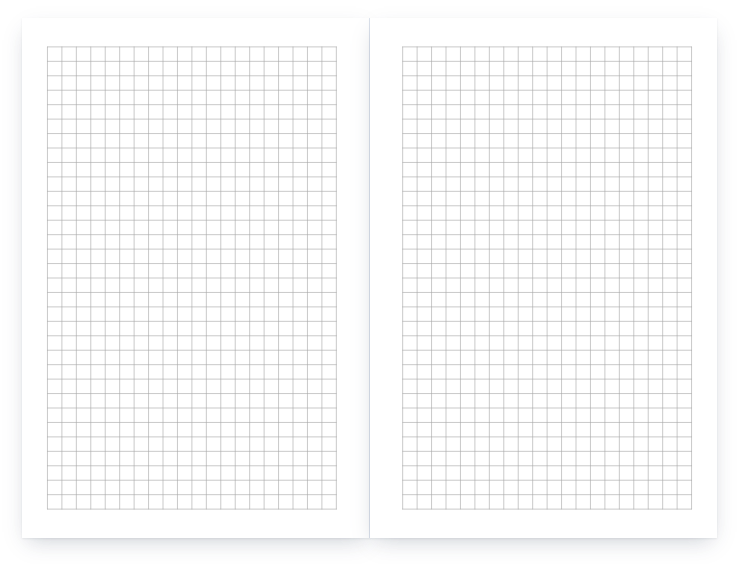
Quad ruled, four squares to the inch, edge to edge inside the margins.

Download free PDF

KDP setup
Trim
6" × 9", 8.5" × 11"
Pages
120
Interior
Black ink, white paper
Bleed
No bleed — page size equals trim size
Margins
Inside 0.5", outside 0.375", top 0.5", bottom 0.5"
Low-content
Yes — tick the Low-content box

Which one for which hobby

The project log fits any craft with materials and steps — sewing, knitting, pottery, woodwork, model building. Graph paper (four squares to the inch) is the one for knitting, cross-stitch and quilting charts. Dot grid works for lettering and layout; the sketchbook for drawing.

How to publish a template on KDP, in 5 steps

  1. Download the PDF in your trim size

    Each file is a complete interior: the right page size, 120 pages (42 for the coloring book), margins already set. Nothing needs to be resized.

  2. Create a paperback on your KDP Bookshelf

    For a notebook, planner, journal or log, tick Low-content under Categories on the details page — KDP rejects a low-content book without it. Coloring books are not low-content in KDP’s own list, so leave the box unticked for those.

  3. Set the print options

    Black & white interior on white paper, the trim size of the file you downloaded, and No bleed. A low-content book can be published without an ISBN or with your own; it is not eligible for a free KDP ISBN.

  4. Upload the interior and a cover

    Upload the PDF as the manuscript. The cover is yours to make: the cover calculator gives the full cover size and spine width for your trim and page count. KDP prints spine text only on books with more than 79 pages, so a 120-page book can carry it.

  5. Preview, order a proof, publish

    Open Launch Previewer in the Book Preview section and fix anything it flags, order a printed proof if you want to hold it first, then set your price — the royalty calculator shows the printing cost and what you earn per copy.

More free templates

A problem with a file, or a question? Get in touch, or request a template we have not made yet.