
How does the Hashtag Generator work?
Our free tool generates relevant hashtags for your social media posts based on your social media platform, book genre, and target audience. So you can reach more followers and readers with your story.
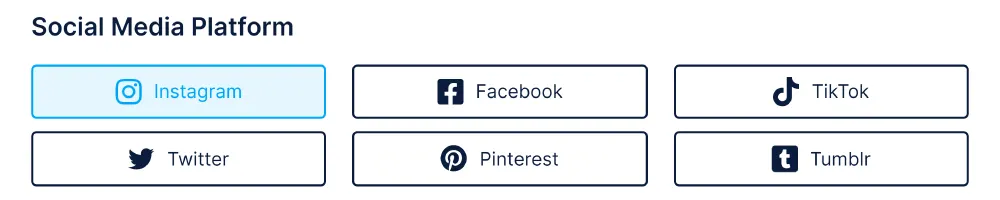
Step #1: Select Social Media Platform
In the first step, choose the social media platform on which you want to post content. Based on this selection, the tool generates special hashtags and displays limitations.
Step #2: Choose Category & Genre
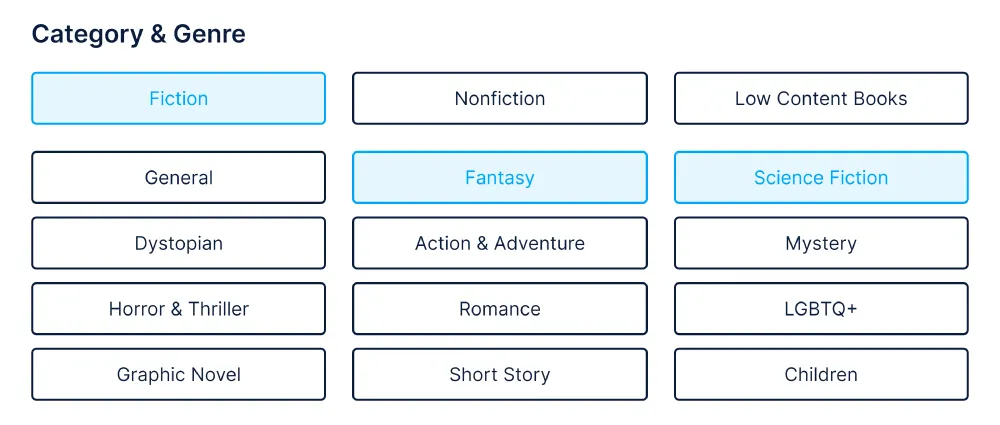
After that, you choose one of the three following book categories:
- Fiction
- Nonfiction
- Low Content Books
Once you have selected a book category, an overview of the different book genres is displayed below. Now you can choose the book genres that most accurately describe your book. You should limit your selection to 2-3 book genres.
Step #3: Add Audience & Target
In addition, you have the option to add hashtags for a specific audience or target. This is especially useful if you are doing a giveaway, wish to connect with other authors, or want to reach new readers.

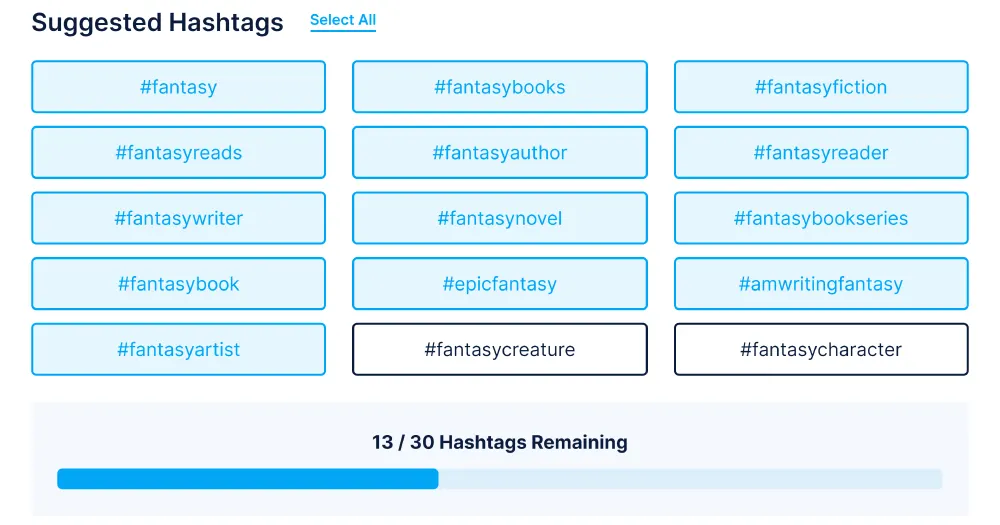
Step #4: Select Your Hashtags
Now, select all suggested hashtags you want to use in your social media post. Here you can also find the number of remaining hashtags or characters based on your social media platform.
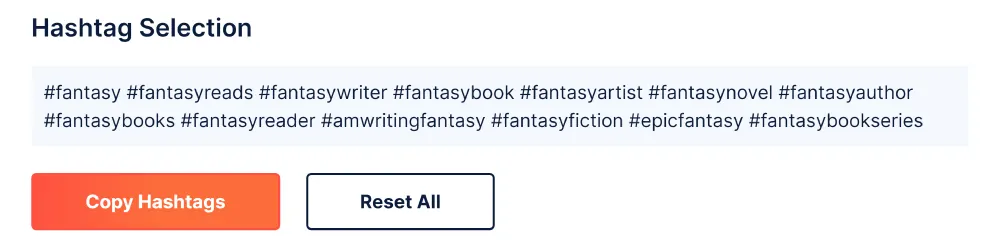
Step #5: Copy Hashtag Selection
Click the “Copy Hashtags” button to copy all the selected hashtags to your clipboard. Finally, you can simply add your hashtags to the description of your social media post.
How Authors Use Hashtags
A hashtag files your post under a topic that readers already follow. For authors that means three kinds of tags, and a good post usually mixes them:
- Community tags reach readers where they gather: the reading communities on each platform, such as the book side of Instagram and TikTok, and tags for readers of a particular genre.
- Genre and subject tags describe the book itself: its genre, its subgenre, its themes, or, for a journal or activity book, what it is used for.
- Audience and purpose tags say who the post is for: other writers, new readers, or a giveaway or launch that people can take part in.
The generator builds that mix for you. Choose the platform, then Fiction, Nonfiction or Low Content Books, then the genres that fit, and add an audience such as authors and writers, readers, or a special promotion. It suggests tags for each choice and keeps count of how many you have selected for the platform you are posting on.
Hashtags by Platform
- Instagram. Tags drive discovery through hashtag pages. Mix a few broad reading-community tags with specific genre tags, and put them in the caption or the first comment.
- TikTok. Tags help the app understand what a video is about. A handful of relevant ones works better than a long list, and the reading-community tags are where book videos are found.
- X (Twitter) and Tumblr. Posts are short, so one or two tags that match a live conversation or community are enough.
- Pinterest. Search matters more than tags. Put your keywords in the pin title and description, and treat hashtags as an extra.
- Facebook. Tags are used less; groups and pages built around a genre usually reach readers better.
Tips for Book Hashtags
- Be relevant. A tag that does not describe the post brings viewers who scroll past, and can make a post look like spam.
- Go specific. A broad tag is crowded; a tag for your exact subgenre puts the post in front of the readers most likely to buy.
- Keep a few sets. Save two or three groups of tags per book and rotate them, instead of pasting the same block under every post.
- Check a tag before you use it. Open the tag page on the platform to see what is posted under it; some popular words are used for things that have nothing to do with books.
- Tag the format. Readers look for audiobooks, ebooks and Kindle Unlimited titles separately, so say which one you are promoting.
Hashtag Generator FAQ
How many hashtags should I use?
Fewer than you might think. A small set of tags that each fit the post beats a long block of loosely related ones on every platform. The generator shows how many you have chosen so you can trim the list.
Do hashtags help sell books?
They help the right readers find a post. Whether that post sells depends on the post itself: the cover, the hook and a clear link to where the book can be bought.
Can I use the same hashtags for every book?
Keep the community tags and change the genre and subject tags for each book, so every post reaches the readers of that particular book.